
Switch
Switch
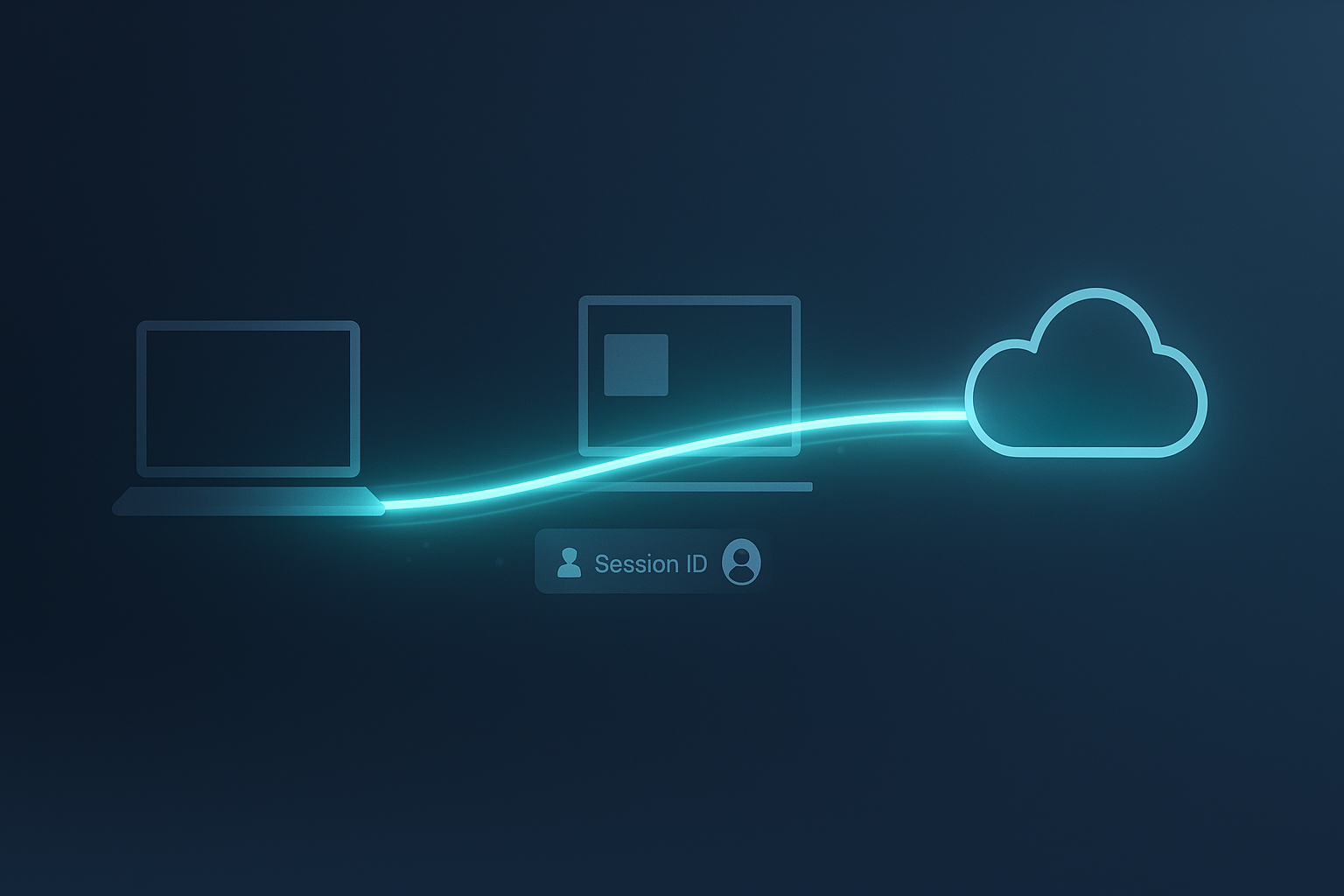
CommandCTRL Switch allows IT teams to seamlessly move their live diagnostic view between a local endpoint and a remote or cloud-hosted session for the same user or workflow. This enables uninterrupted visibility as users transition across physical devices, VDI, AVD, or DaaS environments, without reconnecting tools or restarting investigations.
Why Switch Matters
Maintain diagnostic continuity as users move across platforms.
Key Capabilities Include:
Session Continuity
Preserve diagnostic context as users transition between physical and virtual workspaces.
Faster Root Cause
Correlate endpoint and cloud behavior in real time to accelerate resolution.
Switch FAQs
By preserving diagnostic context across platforms, Switch reduces ticket duration, improves first-call resolution, and eliminates fragmented investigations.
No. Switch operates in view-only mode. It preserves security boundaries while still allowing support teams to observe performance, timelines, and metrics across environments.
No. The transition is seamless and does not require the user to reconnect, restart applications, or recreate the issue being investigated.
Switch is especially valuable in hybrid environments, migrations, and cutovers where users move between local devices, VDI, AVD, or DaaS during the same workflow.
CommandCTRL Switch allows IT teams to move their live diagnostic view between a physical endpoint and a cloud or virtual session for the same user without restarting tools or losing context.