
RBAC
Role-Based Access Control (RBAC)
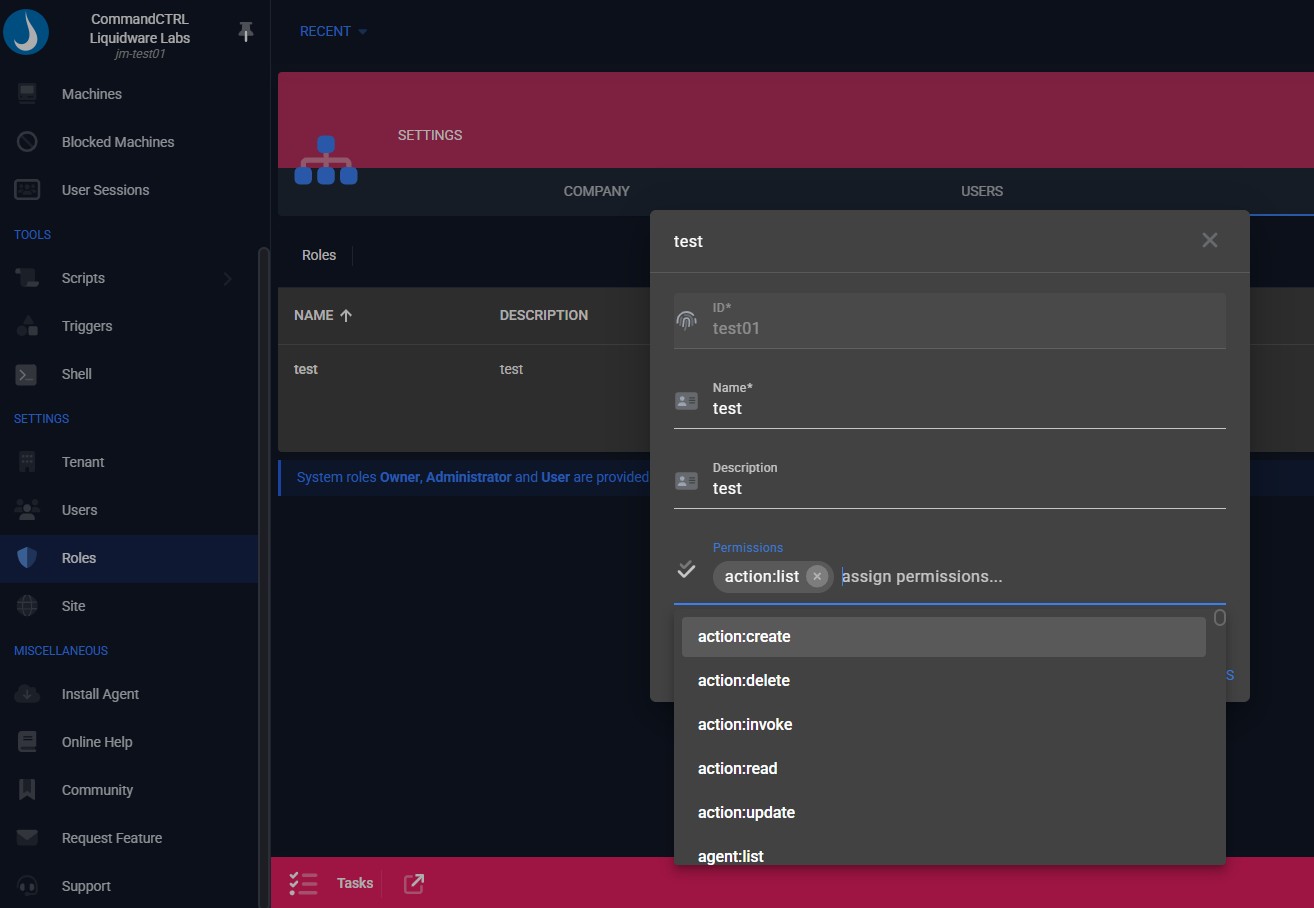
CommandCTRL Role-Based Access Control enforces granular permissions so administrators, help desk staff, and auditors only see and perform actions appropriate to their role. This reduces risk, protects live systems, and supports least-privilege security models at scale.
Why RBAC Matters
Ensure the right access for the right role without compromising users or systems.
Key Capabilities Include:
Least-Privilege Access
Ensure each role only sees metrics and actions appropriate to their responsibility.
Protected Operations
Prevent accidental or unauthorized actions that could disrupt active user sessions.
Role-Based Access Control FAQs
Yes. RBAC works alongside audit logging so every action is tied to a specific role and user, supporting compliance, governance, and forensic review.
Yes. Roles and permissions can be modified dynamically, allowing organizations to adapt access as teams, responsibilities, or security requirements evolve.
Roles can be created for help desk, administrators, security, audit, or other custom functions, each with specific permissions tailored to operational needs.
By limiting high-impact actions such as service restarts or process termination to authorized roles, RBAC reduces the risk of accidental disruption during troubleshooting.
Role-Based Access Control in CommandCTRL restricts visibility and actions based on defined roles, ensuring users only access what is required for their job function.